Protecting your business computers from power outages requires a dedicated backup power source that can bridge the gap between grid failure and either restoration of service or a controlled shutdown. Modern battery storage systems, particularly lithium-based solutions from manufacturers like Tesla and SolarEdge, have emerged as superior alternatives to traditional uninterruptible power supply (UPS) units for businesses serious about energy independence and operational continuity.
The difference comes down to capacity and integration. While a conventional UPS might keep your workstations running for 15 to 30 minutes, a properly sized battery storage system can power your entire IT infrastructure for hours or even days, depending on your energy consumption and battery capacity. This extended runtime means your team can continue working through rolling blackouts or weather-related outages without losing productivity or data.
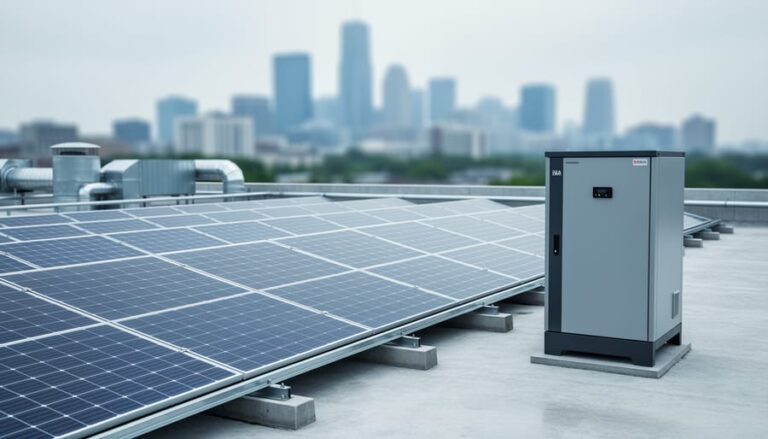
Installing a backup power system involves three core steps: calculating your load requirements, selecting compatible battery and inverter hardware, and integrating the system with your existing electrical infrastructure. Businesses with solar installations gain an additional advantage here. Battery storage pairs naturally with photovoltaic arrays, allowing you to store excess solar generation during the day and deploy it during peak rate periods or outages, maximizing both reliability and cost savings.
The investment pays dividends beyond emergency preparedness. By reducing reliance on grid power during expensive peak hours and capturing solar energy that would otherwise go unused, battery backup systems typically deliver measurable reductions in monthly energy costs while positioning your business as a sustainability leader in your industry.
What You’ll Need: Equipment and Materials
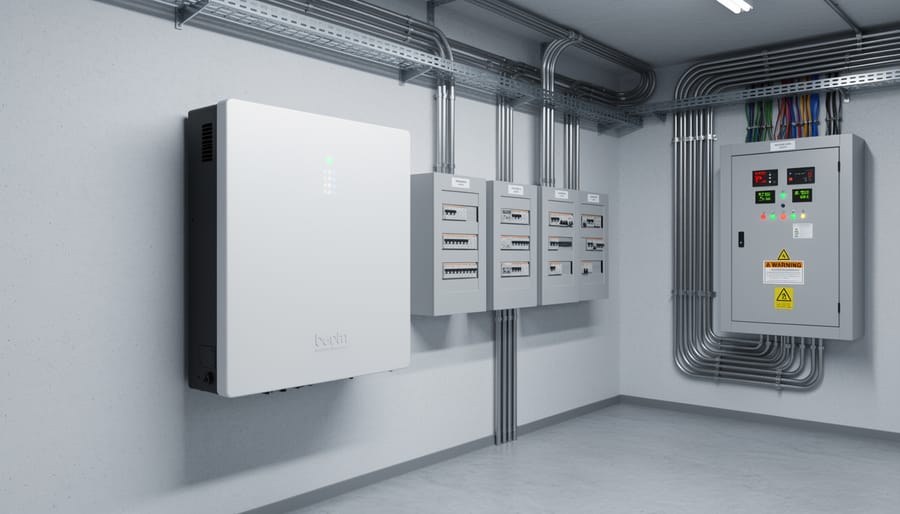
Implementing an effective computer backup power solution requires more than just a battery, it demands a coordinated system of components working together to protect your critical IT infrastructure. The specific equipment you’ll need depends on whether you’re installing a standalone uninterruptible power supply (UPS) for individual machines or deploying an integrated battery storage system that can protect your entire business while capturing solar energy.
For standalone UPS systems, you’ll need the UPS unit itself (sized to your computer’s wattage), power cables, and basic monitoring software. These plug-and-play devices typically range from 500 watts for a single workstation to several kilowatts for server closets. While simple to implement, they offer only short-term backup (typically 5-30 minutes) and provide no pathway to energy independence.
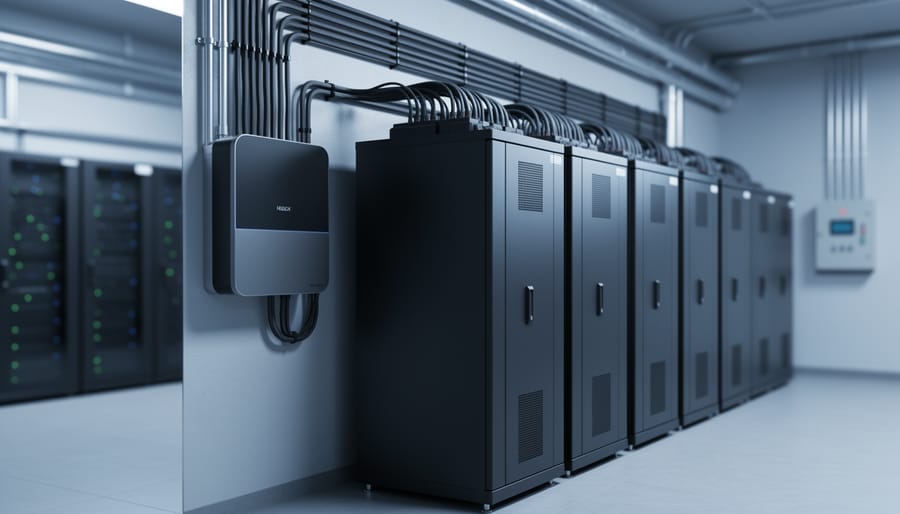
Integrated battery storage solutions represent a more comprehensive approach, leveraging OEM partnerships with industry leaders like Tesla and SolarEdge to deliver enterprise-grade reliability. These systems require additional components but unlock substantial long-term benefits including solar integration, load shifting, and peak demand reduction.
Here’s what you’ll need for a complete integrated battery storage installation:
- Battery storage unit (Tesla Powerwall, SolarEdge Energy Hub, or similar lithium-ion system with 10-20 kWh capacity)
- Hybrid inverter or battery inverter (often integrated with solar inverters from SolarEdge or similar partners)
- Automatic transfer switch rated for your electrical panel amperage
- Circuit breaker panels or sub-panels for critical load circuits
- Monitoring gateway and networking equipment for remote system management
- Electrical conduit, wire (typically 6-10 AWG copper), junction boxes, and mounting hardware
- Battery mounting bracket or pad (wall-mount or floor-standing depending on unit)
Professional installation also requires voltage testers, torque wrenches for electrical connections, and commissioning software provided by the battery manufacturer. The monitoring systems from Tesla and SolarEdge include smartphone apps that track battery charge levels, power consumption patterns, and backup status in real time, giving you complete visibility into your energy security.
Safety Precautions and Pre-Installation Considerations
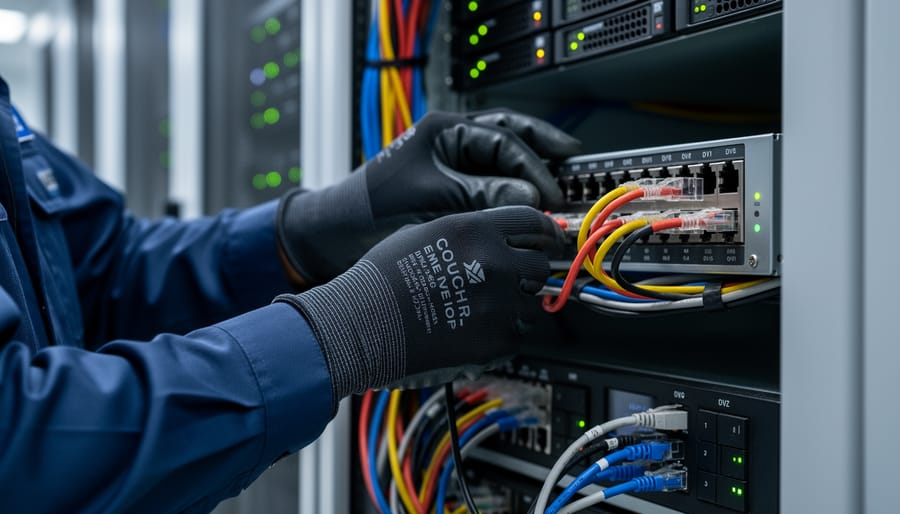
Before you begin any installation work, understand that battery storage systems and electrical modifications pose serious risks if handled improperly. Even small mistakes can result in electrical shock, fire, property damage, or voided warranties that leave your business unprotected when you need backup power most.
Most jurisdictions require permits for battery storage installations and modifications to your electrical panel. Contact your local building department early in the planning process, as permit requirements vary widely. Some areas mandate specific safety equipment like arc-fault protection or require battery systems to meet particular fire ratings. Your installer should handle permits, but verify this upfront to avoid delays or compliance issues.
Battery placement demands careful consideration. Lithium-ion units generate heat during charging and discharging, so they need adequate ventilation and climate control. Avoid locations exposed to extreme temperatures, direct sunlight, or moisture. Garages, utility rooms, and climate-controlled basements typically work well. Keep batteries away from flammable materials and ensure the mounting surface can support the weight, larger systems can exceed 250 pounds.
Load calculations are non-negotiable. Undersized systems won’t support your critical equipment during outages, while oversized installations waste capital. Your electrical panel must have sufficient capacity to handle both normal operations and battery charging. If your panel is already near capacity, you may need an upgrade before adding battery storage.
Never mix incompatible components. Battery systems, inverters, and transfer switches must work together as designed by the manufacturer. Attempting to retrofit incompatible equipment creates safety hazards and typically voids all warranties. Stick with integrated systems from established technology partners or certified compatible components.
Understanding Your Business Power Requirements
Calculating Critical Load Requirements
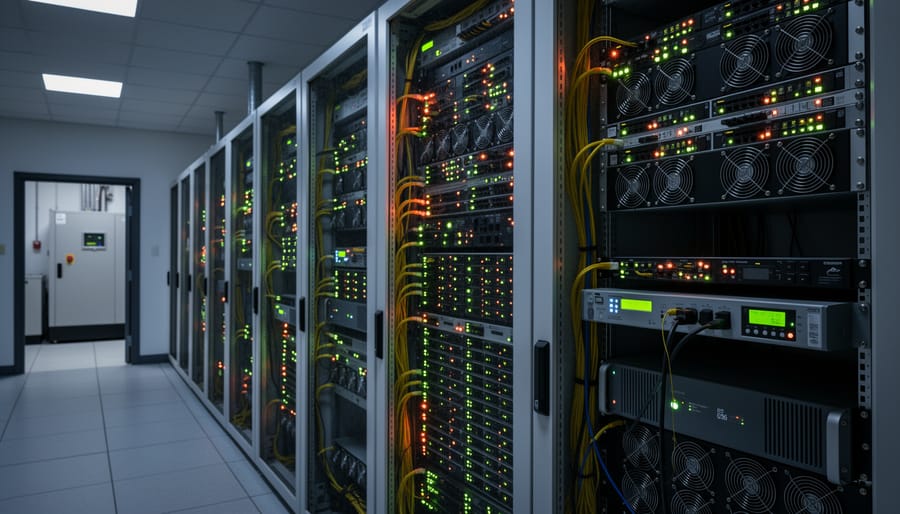
Start by creating a comprehensive inventory of every computer and peripheral device that requires backup power during an outage. Walk through your office with a clipboard or spreadsheet, recording each desktop computer, server, monitor, router, switch, modem, and essential printer. Check the power rating label on each device, usually found on the back panel or power supply, and note the wattage or amperage. If you find only amperage, multiply amps by voltage (typically 120V in North America) to get watts.
Add up all the individual wattages to determine your baseline power requirement. Now apply a safety margin of at least 25 to 30 percent to account for power surges during equipment startup and future additions. For example, if your total equipment draws 2,000 watts, size your battery system for at least 2,500 to 2,600 watts continuous capacity. Consider conducting a thorough energy auditing process to identify hidden loads and verify your calculations with actual consumption data over time, ensuring your backup system handles real-world conditions rather than theoretical estimates.
Determining Backup Duration Needs
Your backup duration requirements depend entirely on how your business operates during power outages. If you’re in an area with brief, infrequent outages, a traditional UPS providing 15 to 30 minutes of bridging power might suffice, just enough to save work and shut down computers gracefully. This prevents data loss and hardware damage but assumes power returns quickly or you can halt operations temporarily.
However, businesses requiring continuous uptime need longer protection. Battery storage systems integrated with solar arrays can sustain critical IT infrastructure for hours or even days, depending on capacity and solar generation. A retail operation might need only 2 to 4 hours to close out transactions and secure systems, while a data center or healthcare facility requires true energy independence with multi-day backup capability.
Consider your outage patterns realistically. Does your local grid experience frequent storms causing day-long blackouts? Can your business afford downtime, or do clients expect 24/7 access to your services? Factor in whether you can recharge batteries through solar during extended outages. Businesses in regions with unreliable grid infrastructure or those pursuing sustainability goals typically benefit from integrated battery-solar solutions that transform backup power from emergency stopgap into strategic energy management.
Step-by-Step Installation Process
Step 1: Conduct Site Assessment and Load Analysis
Begin by examining your electrical panel to determine its current capacity and available amperage. Check the main breaker rating, most commercial panels range from 200 to 400 amps, and calculate how much capacity remains after accounting for existing loads. You’ll need at least 20-30% spare capacity to safely integrate a battery storage system.
Walk through your facility with a clipboard and note the location of every computer, server, network switch, and related equipment requiring backup protection. Measure the distance from your electrical panel to these critical areas. Shorter wire runs reduce installation costs and energy losses.
For battery placement, scout locations within 25 feet of your main panel. The space needs adequate ventilation, stable temperatures between 50-80°F, and protection from moisture. Avoid direct sunlight or uninsulated exterior walls. Ground-floor or basement locations work best due to battery weight, a commercial battery system can exceed 250 pounds.
Finally, open your panel cover and photograph the circuit directory. Identify which breakers serve critical equipment. You’ll need this information when configuring transfer switches and determining battery capacity requirements.
Step 2: Select the Right Battery Storage System
Choosing the right battery storage system comes down to matching your business needs with the appropriate technology and capacity. Standalone UPS units provide immediate, short-term protection for individual computers or small server setups. They’re cost-effective for basic needs but typically offer only 5-30 minutes of runtime.
Integrated battery storage solutions like Tesla Powerwall or SolarEdge Home Battery deliver longer-term backup while supporting broader energy management goals. These systems can power your entire IT infrastructure for hours or even days, especially when paired with solar generation.
Capacity sizing requires adding 20-30% to your calculated critical load to account for efficiency losses and battery degradation over time. A 5 kW critical load needs roughly 6.5-7.5 kW of battery capacity.
Lithium-ion technology dominates modern installations thanks to higher energy density, longer lifespan (10-15 years versus 3-5 for lead-acid), and lower maintenance requirements. While initial costs run higher, the total cost of ownership favors lithium-ion for most business applications.
If you have existing solar panels or plan future installation, prioritize battery systems designed for solar integration. Tesla and SolarEdge systems communicate seamlessly with their respective inverters, optimizing both backup protection and daily energy savings.
Step 3: Install the Battery Storage Unit
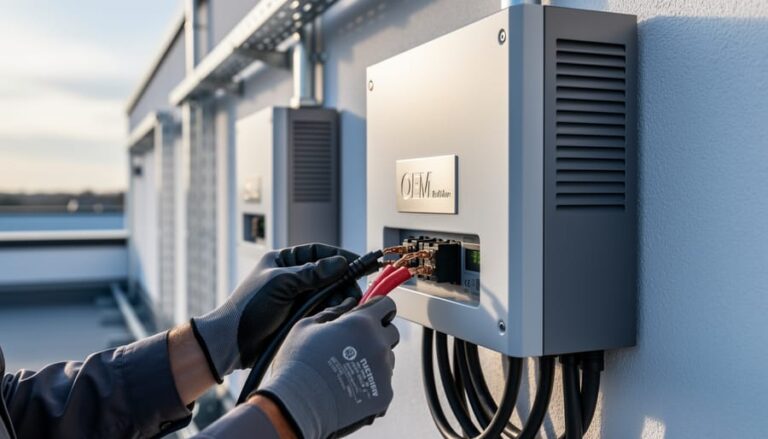
Battery storage unit installation requires licensed professionals due to the high-voltage electrical work involved. Your certified installer will begin by mounting the unit in the location identified during site assessment, typically an interior wall near your electrical panel or in a climate-controlled utility room. Tesla Powerwall and SolarEdge batteries include specific mounting hardware and clearance requirements that installers follow precisely.
The electrical integration involves connecting the battery to your main service panel through dedicated circuit breakers and safety disconnects. This establishes the pathway for the battery to both charge (from grid or solar) and discharge (to power your systems). If you have an existing solar array, the installer will integrate the battery with your solar inverter, enabling the system to store excess solar production for use during outages or peak demand periods.
Certification matters significantly here. Look for installers trained specifically on your chosen battery system, Tesla, SolarEdge, and other manufacturers offer certification programs. These professionals understand the nuanced requirements of each system, including firmware configuration and grid connection protocols. Attempting DIY installation voids warranties and creates serious safety hazards.
Step 4: Configure Transfer Switching and Circuit Priority
Once your battery storage unit is physically installed, the next critical step is configuring how power flows during an outage. Your licensed electrician will program the automatic transfer switch (ATS) to detect grid failures within milliseconds and seamlessly shift to battery power without interrupting your computers. This happens so quickly that most equipment won’t even notice the transition.
The key decision here is circuit prioritization. Not every outlet needs backup power. Work with your installer to designate critical circuits, typically your server room, workstations, networking equipment, and security systems. Non-essential loads like break room appliances or HVAC systems can be excluded to extend battery runtime during prolonged outages.
Modern battery systems from Tesla and SolarEdge include sophisticated load management software that lets you adjust priorities through a mobile app. You can create tiered backup levels, where the system automatically sheds lower-priority loads if battery capacity drops below certain thresholds. This ensures your most critical IT infrastructure stays protected even during extended power failures. Your installer will verify these settings match your load analysis from Step 1.
Step 5: Install Monitoring and Management Systems
After installing your battery storage unit and configuring transfer switching, the next step is setting up monitoring systems that give you real-time visibility into your backup power infrastructure. Modern battery systems from partners like Tesla and SolarEdge include sophisticated monitoring platforms accessible through mobile apps and web dashboards.
Start by downloading the manufacturer’s monitoring app to your smartphone and creating an account. Follow the pairing instructions to connect the app to your battery system, this typically involves scanning a QR code on the unit or entering a serial number. Configure alert thresholds for critical events: low battery levels (typically below 20%), power outages, system errors, and completed charge cycles.
Set up email and push notifications so your IT team receives immediate alerts during outages or performance issues. Many systems allow you to designate primary and secondary contacts for different alert types.
Configure the dashboard to display key metrics: current battery charge level, real-time power consumption, estimated backup duration at current load, and energy flow between solar panels, battery, grid, and building loads. Verify that historical data logging is enabled so you can analyze usage patterns and optimize your system over time.
Testing and Verification
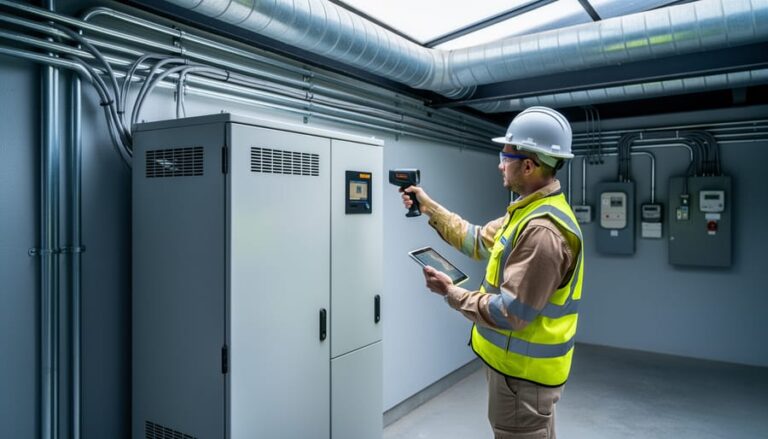
After installation, rigorous testing confirms your backup power system will protect your business when it matters most. Never assume the system works correctly based on status lights alone, real-world verification under load conditions is essential before you face an actual outage.
Start with a simulated outage test by scheduling a controlled shutdown of utility power during low-activity hours.
Coordinate with your IT team to monitor all critical equipment as you trip the main breaker or disconnect utility power at the transfer switch. Observe how quickly the transfer switch engages, it should activate within milliseconds for seamless transitions. Verify that every protected computer, server, and network device remains operational without interruption.
Next, perform load testing to confirm your battery can handle the actual draw from your equipment. Run your computers and IT infrastructure on battery power for at least 30 minutes while monitoring the discharge rate through your system’s management software. Compare the actual runtime against the manufacturer’s specifications, if your battery drains significantly faster than predicted, you may have undersized your system or need to reduce the protected load.
Test the complete discharge and recharge cycle by allowing the battery to deplete to around 20 percent capacity, then switching back to utility power. Monitor how long a full recharge takes and whether the system correctly prioritizes charging while still providing power to critical loads. Your monitoring system should log these cycles and send alerts if recharge times exceed normal parameters.
Verify all monitoring functions work correctly by checking that you receive status notifications, low-battery warnings, and outage alerts through the designated apps or dashboards. If any alerts fail to trigger during testing, reconfigure notification settings before relying on the system for real protection.
Optimizing Your System for Energy Independence
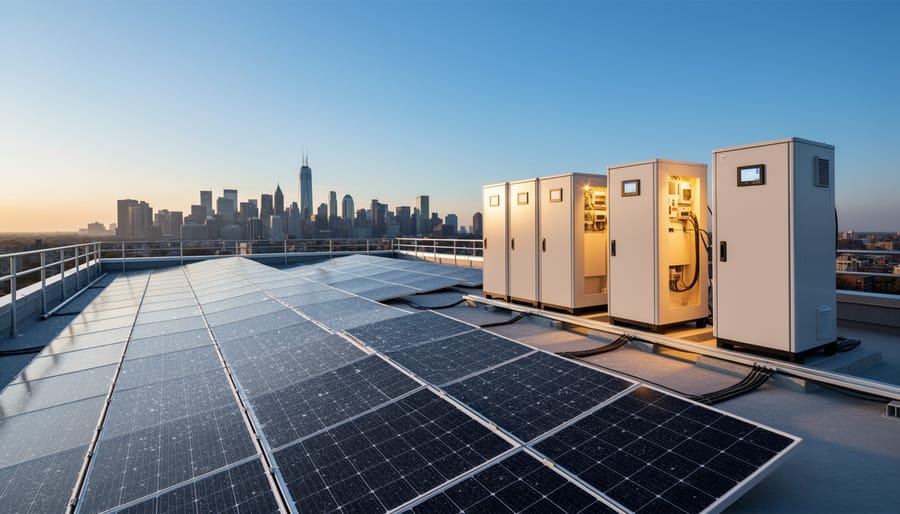
Your backup power system becomes far more valuable when you shift from viewing it solely as emergency protection to using it as a strategic energy management tool. Battery storage paired with solar panels transforms your business infrastructure into a dynamic system that reduces costs, enhances sustainability, and can even generate revenue.
Once operational, your battery system enables several optimization strategies:
- Load shifting: charge batteries during off-peak hours when electricity rates are lowest, then discharge during expensive peak periods
- Peak demand reduction: flatten your power consumption profile to avoid costly demand charges that can represent 30-50% of commercial electric bills
- Solar energy arbitrage: store excess solar generation during midday and use it during evening hours or sell it back to the grid where net metering programs exist
- Grid services participation: some utilities compensate businesses for making battery capacity available during high-demand events
Integrating bespoke energy solutions with your solar installation amplifies these benefits significantly. A 50kW solar array combined with adequate battery storage can eliminate 80-90% of grid dependence for many businesses, with payback periods often under seven years when factoring in demand charge reductions and available tax incentives.
The environmental impact extends beyond carbon reduction. By smoothing your electricity consumption pattern, you help stabilize the broader grid and reduce the need for inefficient peaker plants that utilities fire up during high-demand periods. Technology partners like Tesla and SolarEdge provide sophisticated energy management software that learns your usage patterns and automatically adjusts charging and discharging schedules to optimize energy use without manual intervention.
For businesses in areas with time-of-use rates or demand charges, the savings from strategic battery deployment often exceed the cost of backup power protection alone, making energy independence increasingly cost-effective rather than merely a resilience measure.
Maintenance and Long-Term Management
Your backup power system requires consistent attention to deliver reliable protection when you need it most. Following a structured maintenance schedule prevents unexpected failures and maximizes your battery investment.
Monitor battery health through your system’s dashboard at least weekly. Most modern lithium-ion systems from partners like Tesla and SolarEdge provide real-time metrics showing capacity, charge cycles, and voltage levels. Watch for gradual capacity degradation, typically 1-2% annually is normal, but sharper drops signal potential issues requiring professional assessment.
Install firmware updates as manufacturers release them, usually quarterly. These updates improve performance, fix bugs, and sometimes add new features. Schedule updates during low-demand periods and verify system functionality afterward.
Conduct full discharge tests every six months. Simulate an outage by switching to battery power and running your critical loads for the expected backup duration. This confirms your system still meets business requirements and identifies any capacity gaps before they become critical.
Keep battery terminals clean and check all connections annually. Loose connections create resistance that reduces efficiency and can generate dangerous heat. Inspect ventilation paths around battery units to prevent overheating.
Plan for battery replacement after 10-15 years, though actual lifespan varies with usage patterns and maintenance quality. Our comprehensive aftercare guide details specific maintenance intervals and warning signs that indicate professional service needs.
Consider capacity upgrades when your business expands or adds equipment that increases your critical load beyond the original design parameters.
Frequently Asked Questions
How much does a business computer backup power system cost?
Standalone UPS units protecting a few workstations start around $500 to $2,000, while integrated battery storage systems for comprehensive business protection typically range from $8,000 to $25,000 depending on capacity and brand. Systems from partners like Tesla and SolarEdge fall in the higher end but offer greater capacity and solar integration capabilities.
Do I need solar panels to use battery backup for my computers?
No, battery storage systems work independently and charge from the grid without solar panels. However, integrating with solar systems provides energy cost savings, extended backup duration during prolonged outages, and greater energy independence beyond just emergency backup.
How does battery storage compare to a traditional generator for backing up computers?
Battery systems switch instantly with no interruption to sensitive computer equipment, require no fuel storage or maintenance, and operate silently indoors. Generators take seconds to start, produce emissions, need regular servicing, and must be placed outdoors, though they can run indefinitely with fuel supply.
How long does installation take?
A simple UPS installation takes minutes to plug in, while professional battery storage system installation typically requires one to three days depending on electrical panel upgrades needed and solar system integration. Site assessment and permitting can add several weeks to the timeline.
The warranty coverage you receive depends on which technology partner you choose. Tesla Powerwall systems come with a 10-year warranty covering both the battery unit and its capacity retention, while SolarEdge energy storage typically offers similar coverage periods. Most manufacturers guarantee their batteries will retain at least 70% of original capacity by the end of the warranty period. Some installers provide additional workmanship warranties covering the installation itself for one to five years.
Beyond the hardware warranty, consider what ongoing support your technology partner provides. Companies like Tesla offer remote monitoring and over-the-air software updates that can improve system performance without site visits. This remote management capability means many issues get diagnosed and resolved without downtime, keeping your business computers protected continuously.